


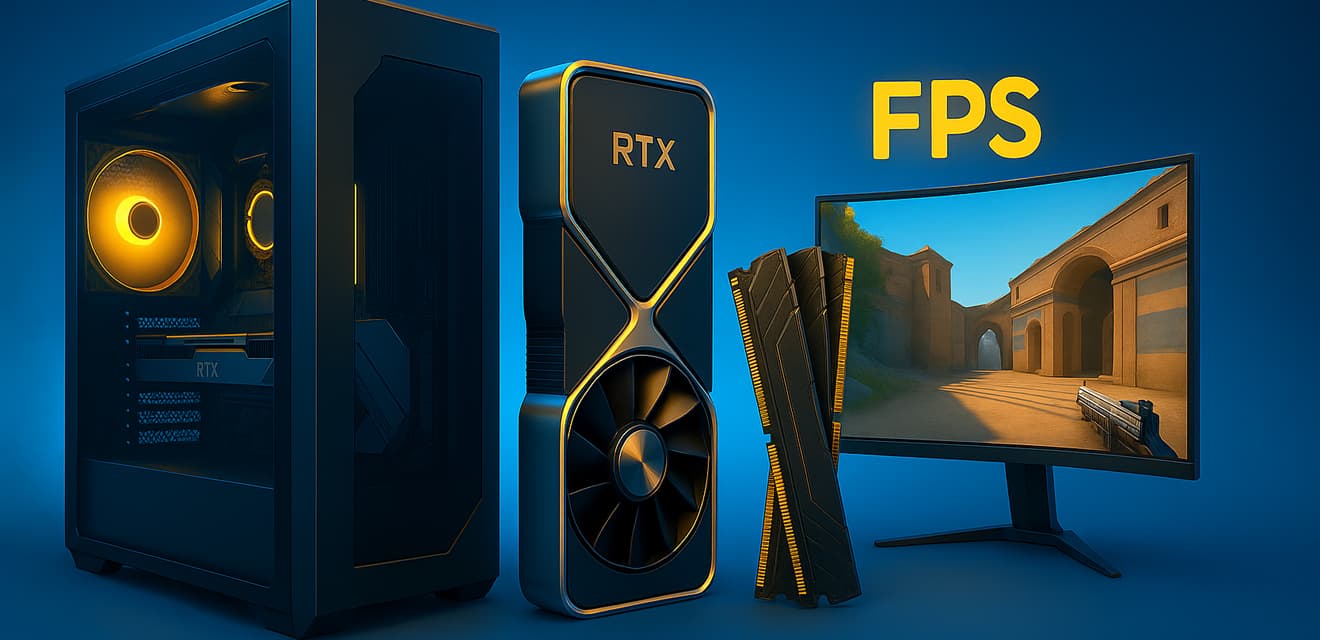

In 2025, the requirements for a PC to comfortably play CS2 have increased a bit, because the game has become more beautiful and technologically advanced. But don't worry, I'll help you figure out which components will provide you with consistently high FPS and allow you to focus solely on frags. Forget about lags and freezes - let's build a machine for domination!
The foundation of your advantage: The processor (CPU)
In CS2 the processor plays one of the key roles. Of course, the graphics card is important for rendering the picture, but it is the "stone" that is responsible for processing the game logic, physics and overall performance, especially in moments with a lot of action on the screen, for example, when spreading smoke or mass fights.
What are we looking at in 2025?
- Number of cores/threads: For CS2, processors with 6-8 full-fledged cores are the optimal choice. More won't hurt, of course, especially if you stream or perform other tasks in parallel with the game, but for a pure gaming experience, 6-8 cores with good performance per core is the golden mean.
- Clock frequency and IPC (instructions per clock): CS2 likes high frequency and modern architecture. The higher these numbers, the more responsive the game will be.
- L3 cache: The large L3 cache size has a positive impact on gaming performance.
Specific recommendations (target early to mid 2025):
- People's Top: Look out for the current Intel Core i5 lineup (e.g., 13th or 14th generation, or their 2025 counterparts) and AMD Ryzen 5 (e.g., 7000 series or newer). These are processors that will offer a great balance of price and performance for most gamers. Models like the Core i5-13600K/KF or Ryzen 5 7600X and their successors are your choice.
- For those who want the maximum: If your budget allows, look towards Intel Core i7/i9 of the latest generations or AMD Ryzen 7/Ryzen 9. These monsters will not only provide you with an outrageous FPS in CS2, but also an excellent future for other demanding games and tasks. For example, Core i7-13700K/KF or Ryzen 7 7800X3D (and their updated versions) will be great thanks to AMD's large 3D V-Cache, which games love, or Intel's high clock speed and performance per core.
Important: Don't forget about good CPU cooling, especially if you choose Intel's "K" models or plan to overclock. Stable temperatures are the key to stable performance.
Eyes of your system: Video card (GPU)
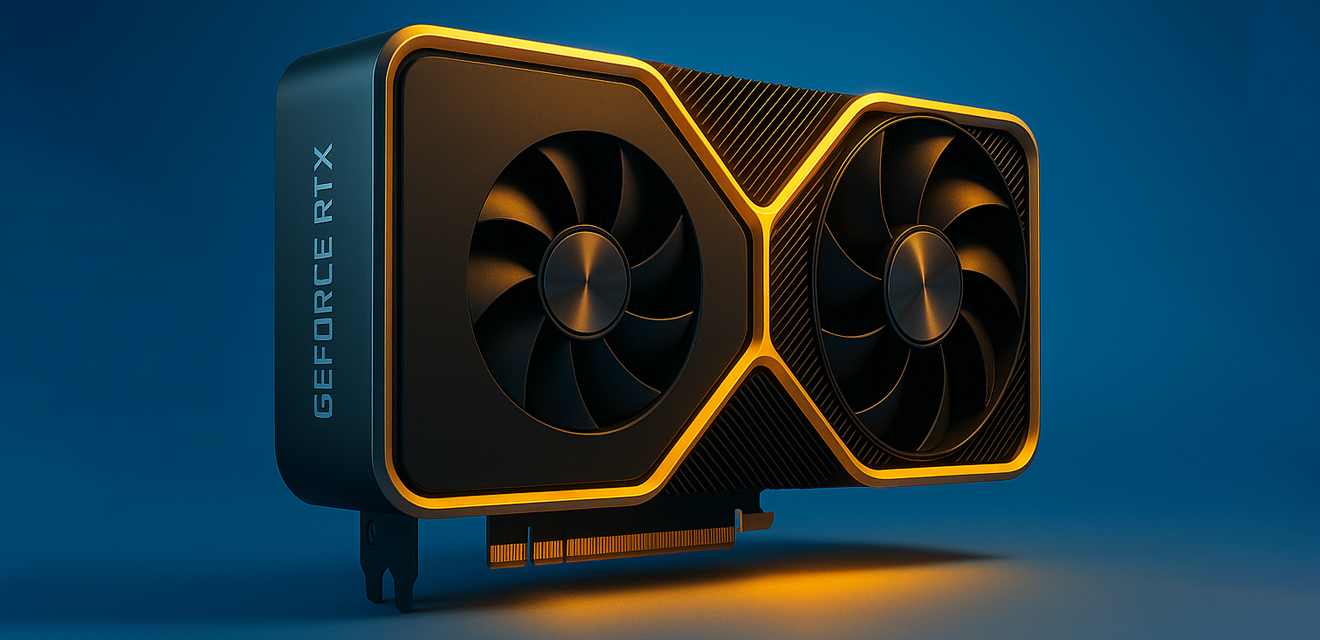
The graphics card is what directly affects the frames per second (FPS) and the overall smoothness of the picture. For CS2, where every millisecond counts, a consistently high FPS is essential.
What are we looking at in 2025?
- Video memory capacity (VRAM): For comfortable gaming in Full HD (1920x1080) resolution in 2025, it is recommended to have a graphics card with 8GB of video memory on board. If you're aiming for 2K (2560x1440) or plan to play at max settings with high anti-aliasing, 10-12GB would be preferable.
- Chip performance: Here it's simple - the more powerful the GPU, the better. Focus on the current lines of NVIDIA GeForce RTX and AMD Radeon RX.
- Technology support: While ray tracing isn't a top priority for CS2, modern graphics cards have other useful technologies like NVIDIA Reflex, which reduces system latency, important for competitive shooters.
Specific recommendations (target early to mid 2025):
- For stable full HD (1080p) on high settings:
- NVIDIA: GeForce RTX 4060 / RTX 4060 Ti or their future RTX 50 series counterparts (if available by then). Even the RTX 3060 Ti / RTX 3070, if you find one at a good price, will still be relevant.
- AMD: Radeon RX 7600 XT / RX 7700 XT or their successors. Models like the RX 6700 XT also remain a good option.
- For confident 2K (1440p) or maximum FPS in Full HD:
- NVIDIA: GeForce RTX 4070 / RTX 4070 Ti / RTX 4070 Super or their future counterparts.
- AMD: Radeon RX 7800 XT / RX 7900 XT.
- Uncompromised option (4K or ultra-high FPS):
- NVIDIA: GeForce RTX 4080 / RTX 4090 or their updated versions / successors.
- AMD: Radeon RX 7900 XTX.
Remember: CS2 isn't the most demanding game for a graphics card on the background of modern AAA projects, but to achieve stable 240+ FPS, especially at high resolutions, you'll need a really powerful solution.
Response speed: RAM (RAM)
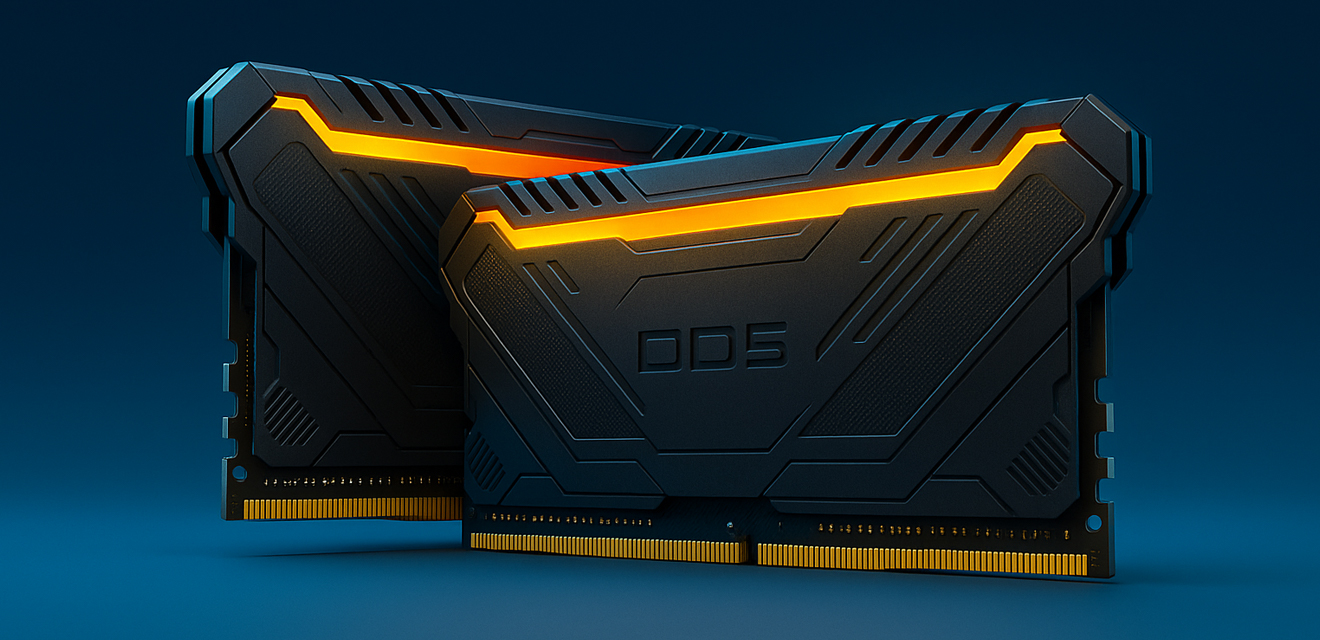
RAM is like a desktop for your PC. The more you have and the faster it is, the more data can be processed simultaneously without slowing down.
What are we looking at in 2025?
- Capacity: The minimum comfortable capacity for CS2 in 2025 is 16 GB. That's enough for the game itself and background applications like Discord. However, if you plan to stream, record gameplay, or just want to have a reserve for the future, 32GB is the optimal choice, which is becoming more and more standard.
- Type and frequency: The de facto standard in 2025 is DDR5. It offers significantly higher frequencies and bandwidth than DDR4. For recent generations of Intel and AMD processors, choose DDR5 with frequencies of 5200 MHz or higher. Optimally, 6000-6400 MHz with low timings (CL).
- Dual channel mode: Always install two memory bars (e.g. 2x8GB or 2x16GB) to activate dual channel mode, which significantly improves performance.
Example: A 2x16GB 6000 MHz CL30/CL32 DDR5 2x16GB kit would be a great choice for most builds.
Instant Download: Mass Storage Device (SSD)
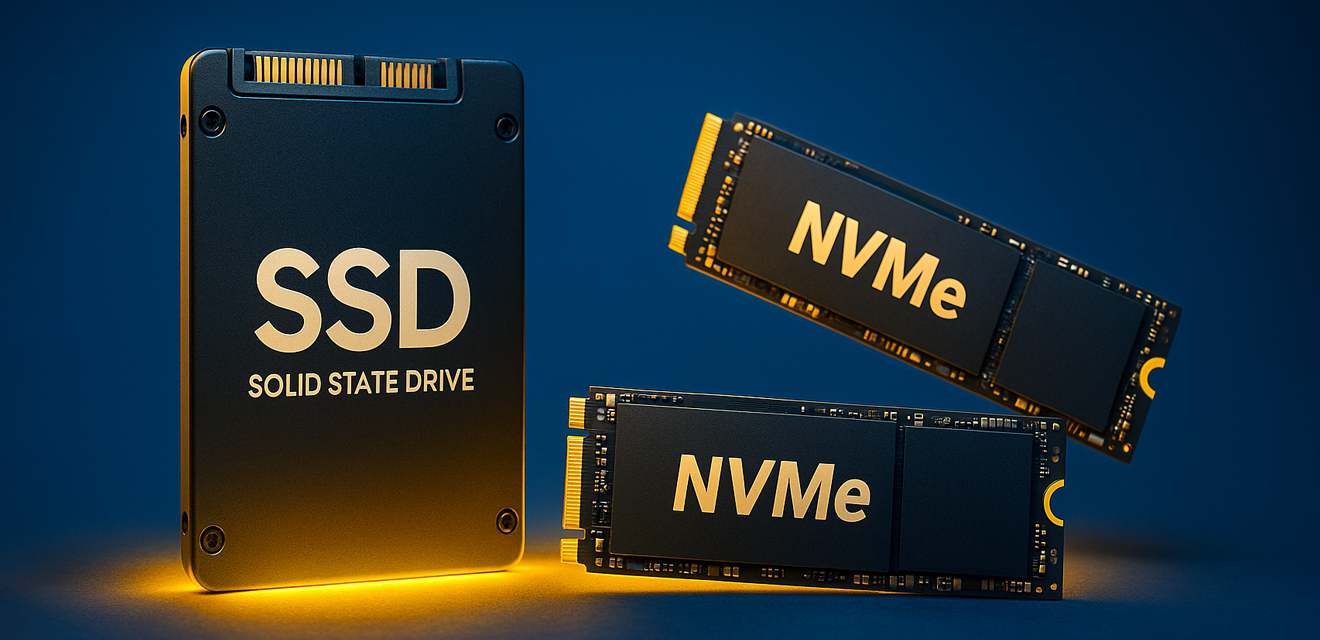
Gone are the days when games could be comfortably run from a hard disk drive (HDD). For CS2, as for any modern game, SSD is a must-have.
What are we looking at in 2025?
- Type of SSD: Definitely NVMe SSDs. They connect directly to the PCIe bus and provide many times faster read/write speeds than older SATA SSDs.
- Capacity: You'll need at least 512GB for the operating system, CS2, and a few other games + programs. But the optimal and more forward-thinking choice would be a 1TB NVMe SSD. Prices for them are becoming more and more affordable, and space is never excessive. If your budget is quite limited, you can start with 500 GB, but with the expectation of upgrading in the future.
- Speed: Even a basic NVMe PCIe 3.0 SSD will be significantly faster than any SATA SSD. If your motherboard and processor support PCIe 4.0 or even PCIe 5.0, you can grab the appropriate drive for even more impressive boot speeds, although in CS2 the difference between fast PCIe 3.0 and PCIe 4.0 won't be as noticeable as it is with large files.
Bottom line: Get an NVMe SSD for at least 512GB (1TB is better), and forget about long map loads.
Link: Motherboard
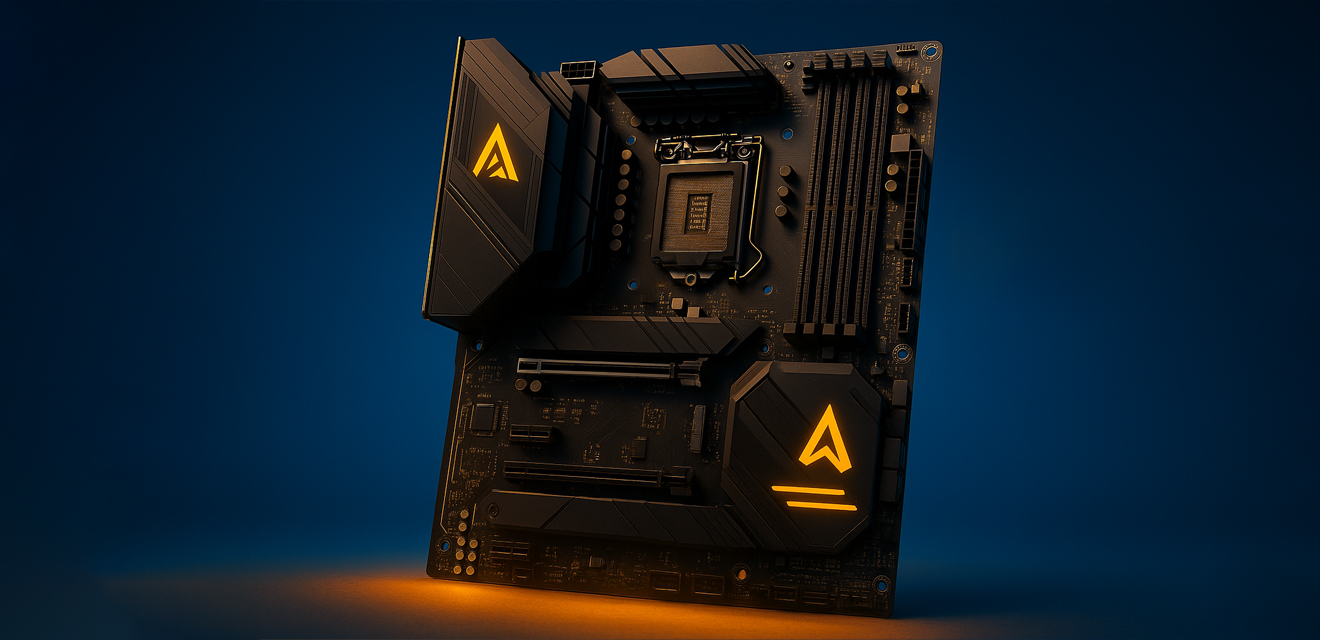
Your choice of motherboard depends on the processor you choose (socket and chipset must be compatible) and your needs for ports and expansion capabilities.
Key Points:
- CPU compatibility: Make sure the board's chipset supports your CPU.
- RAM Support: Check compatibility with the selected DDR5 RAM and its maximum supported frequency.
- M.2 slots: At least one, preferably two M.2 slots for NVMe SSDs (preferably with heatsinks to cool the drives).
- VRM (processor power supply area): If you take a powerful processor and plan to overclock, pay attention to the quality of the power supply system on the motherboard.
- Essential ports: USB ports (including Type-C if needed), LAN port (2.5G Ethernet would be a plus), audio outputs.
For most gaming builds, boards on mid-range chipsets (e.g. B-series from Intel and AMD) are suitable. There's no point in overpaying for top-of-the-line solutions if you don't plan extreme overclocking or installing a lot of expansion cards.
Power to Win: Power Supply Unit (PSU)
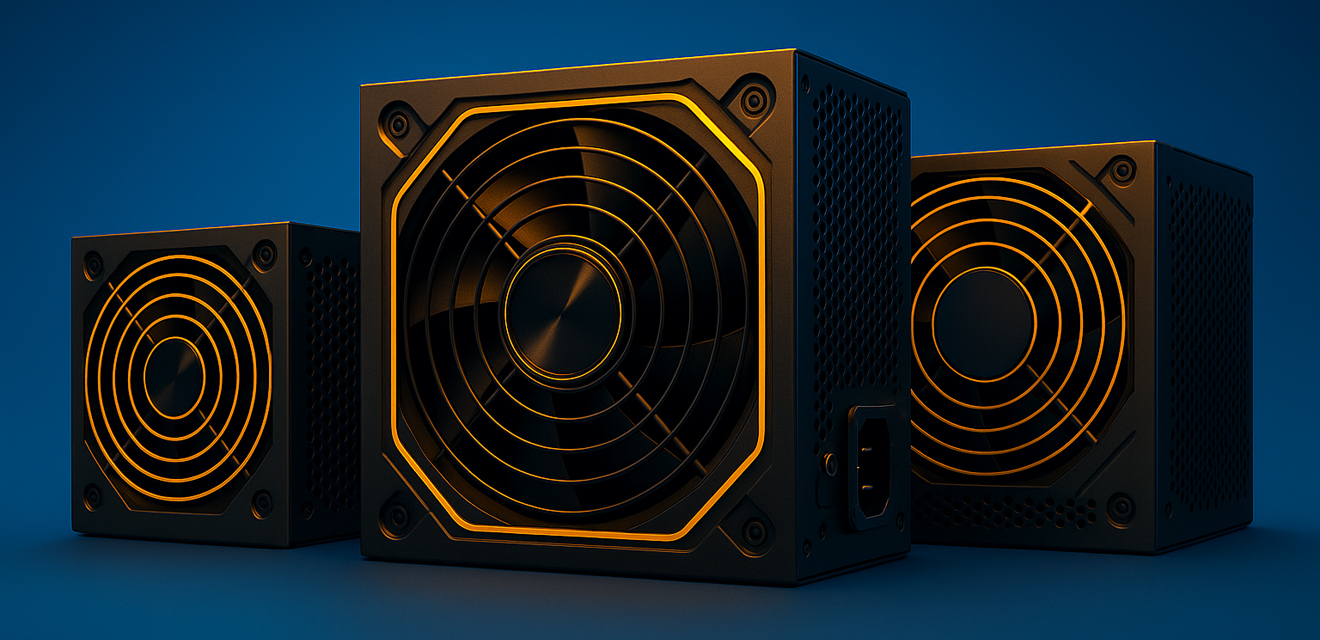 The power supply is the heart of your PC. You should never skimp on it, as its quality determines the stability and longevity of all other components.
What to look out for:
- Power: Calculate the total consumption of your system (CPU + GPU + the rest) and take a unit with a 20-30% margin. For a typical mid-range gaming system with a single graphics card, a quality 650-850W unit is usually sufficient.
- 80 PLUS certification: Choose a PSU with at least 80 PLUS Bronze or better yet Gold certification. This indicates its energy efficiency and component quality.
- Reliable manufacturer: Favor trusted brands (e.g. Seasonic, Corsair, be quiet!, Cooler Master, Thermaltake, etc.).
- Modularity: Modular or semi-modular power supplies allow you to remove unnecessary cables, which improves chassis wiring organization and ventilation.
Window to the game: Monitor
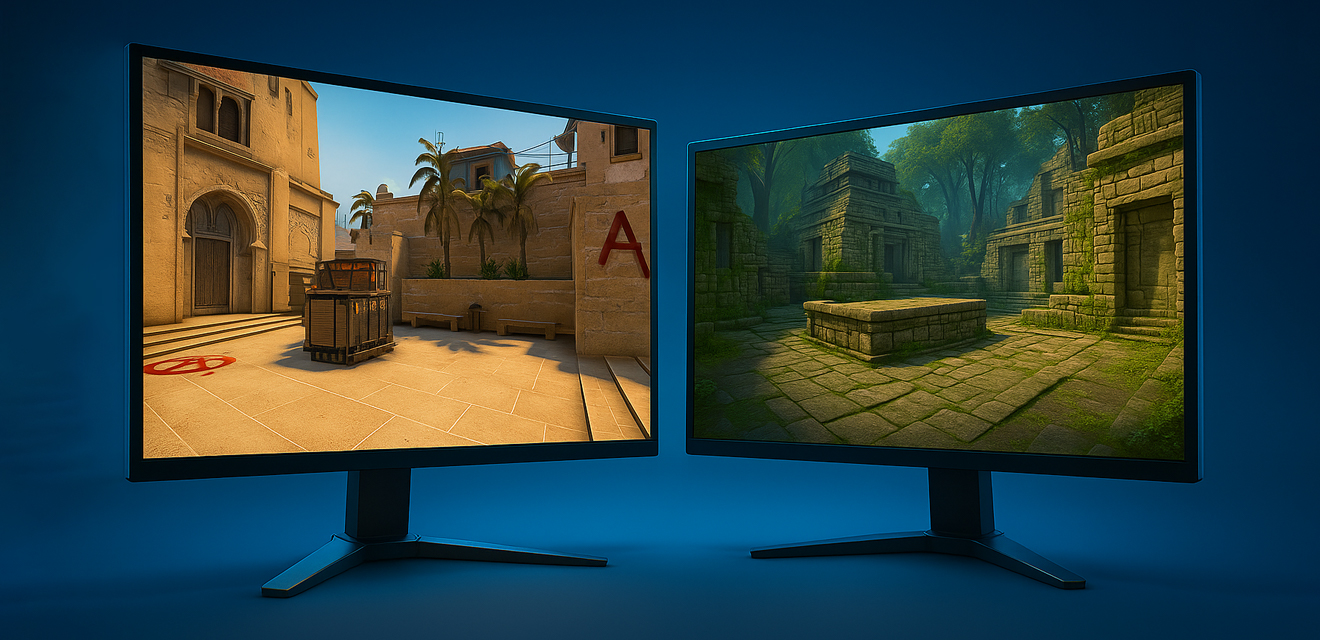
No matter how powerful your system is, you'll see all its splendor through your monitor. The following parameters are critical for CS2:
- Refresh rate (Hz): The minimum for comfortable gaming is 144 Hz. But if you're serious, aim for 240Hz, 360Hz or even higher. The difference in smoothness and responsiveness is enormous.
- Response time: The shorter the better. Look for monitors with a response time of 1ms (GtG) or lower to minimize motion blur.
- Resolution: Full HD (1920x1080) is still the most popular choice among cybersports players because of the maximum FPS. However, 2K (2560x1440) offers a sharper picture while maintaining high hertzos on powerful systems. 4K for CS2 is rather overkill, unless you have a top-of-the-line system and are chasing maximum detail at the expense of competitive advantage.
- Matrix Type:
- TN: Fastest response time, but viewing angles and color reproduction are worse. Often the choice of pro gamers.
- IPS: Excellent color reproduction and good viewing angles, modern IPS matrices also offer low response times, close to TN. Good compromise.
- VA: Deep blacks and high contrast, but can have problems with plumes in dynamic scenes (although top-end VA panels are almost devoid of this drawback).
- Adaptive Sync (G-Sync/FreeSync): Helps eliminate frame gaps, making the picture smoother. Make sure your monitor supports technology compatible with your graphics card.
Assembly options for 2025 (tentative):
- Budget Warfare ( emphasis on 1080p, 144+ FPS):
- CPU: Intel Core i5 (13400F/14400F or equivalent) / AMD Ryzen 5 (5600X/7500F or equivalent)
- GPU: NVIDIA RTX 3060 / RTX 4060 / AMD RX 6600 XT / RX 7600
- RAM: 16 GB DDR4 (for Ryzen 5600X) / DDR5 (for new platforms) 5200+ MHz
- SSD: 1 TB NVMe PCIe 3.0/4.0
- Motherboard: Compatible B-chipset
- PSU: 650W 80 PLUS Bronze
- Golden Mean (1080p/1440p, 240+ FPS):
- CPU: Intel Core i5 (13600K/14600K or equivalent) / AMD Ryzen 5/7 (7600X/7700X/7800X3D or equivalent)
- GPU: NVIDIA RTX 4070 / RTX 4070 Super / AMD RX 7700 XT / RX 7800 XT
- RAM: 32 GB DDR5 6000+ MHz
- SSD: 1-2 TB NVMe PCIe 4.0
- Motherboard: Compatible B/Z chipset (Intel) or B chipset (AMD) with a good VRM
- PSU: 750-850W 80 PLUS Gold
- Maximum stuffing (1440p/4K, 360+ FPS):
- CPU: Intel Core i7/i9 (13700K/14700K/13900K/14900K or equivalent) / AMD Ryzen 7/9 (7800X3D/7900X3D/7950X3D or equivalent)
- GPU: NVIDIA RTX 4080 Super / RTX 4090 (or their successors) / AMD RX 7900 XTX (or its successor)
- RAM: 32 GB (or 64 GB for extreme applications) DDR5 6400+ MHz
- SSD: 2TB+ NVMe PCIe 4.0/5.0
- Motherboard: Top-of-the-line Z-chipset (Intel) or X-chipset (AMD)
- БП: 850-1200 Вт 80 PLUS Gold/Platinum
Conclusion
Choosing hardware for CS2 in 2025 is all about finding a balance between performance, budget, and your personal gaming goals. You don't have to go for the most expensive components if you're playing on a Full HD monitor. The key is to have a balanced system, so that no one component becomes a bottle neck for another.
Study the tests, compare the characteristics and don't be afraid to invest in quality components - they will serve you faithfully and faithfully, giving you hundreds of hours of pleasure from smooth and responsive Counter-Strike 2 game. Good luck on the servers, and let your FPS always be higher than your opponent's!
5 minutes read

How to achieve a green Trust Factor in CS2 and forget about toxic teammates
6 minutes read
Reduce Ping and Lags in CS2: Practical Tips for Optimizing Internet Connection and Network Settings
9 minutes read
CS2 Won't Launch / Lags / Crashes: The Most Common Technical Problems and How to Fix Them in 2026!
7 minutes read